Play an idea. Take it further.
Capture a loop. Explore four reorderable MIDI tools. Keep the takes you like, then send them back to your OP-XY.


Capture a loop. Explore four reorderable MIDI tools. Keep the takes you like, then send them back to your OP-XY.


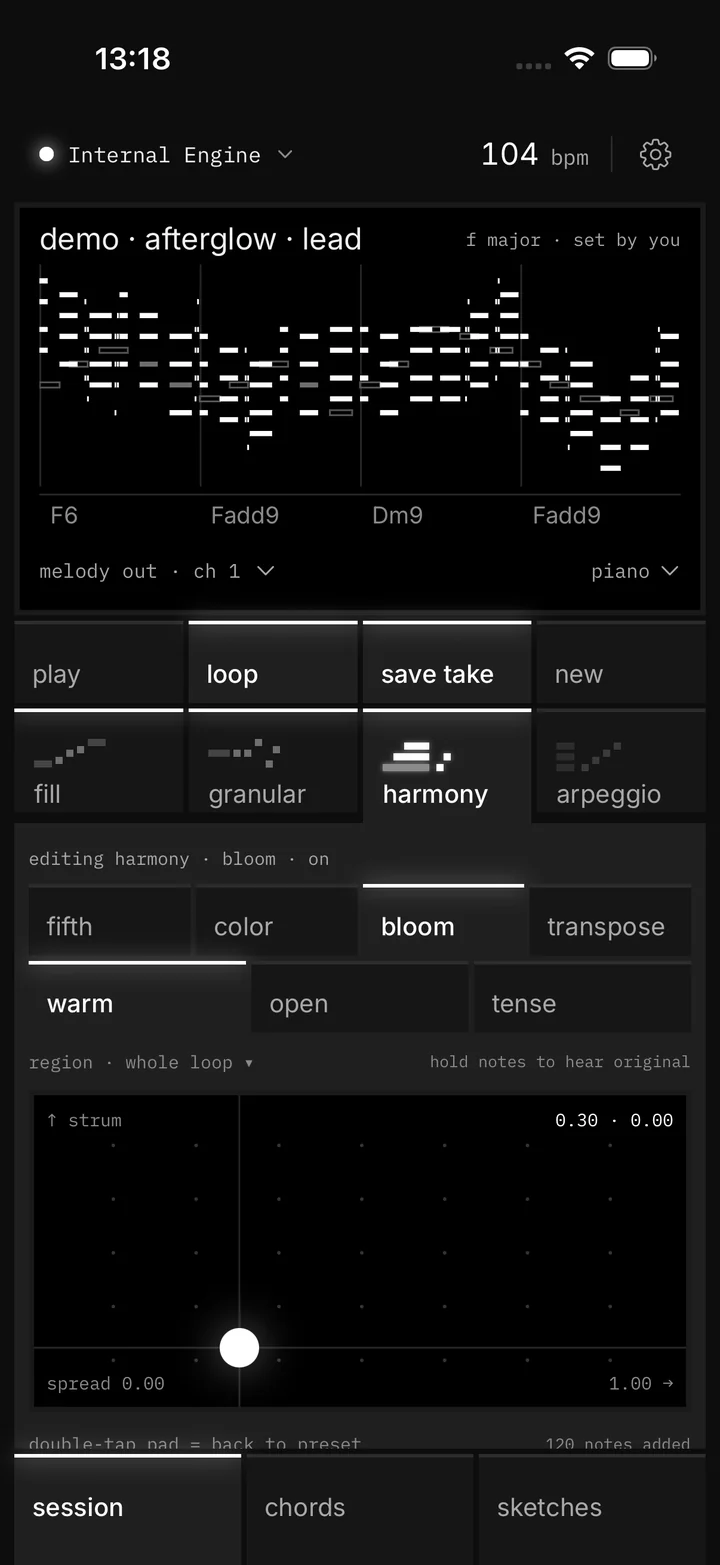
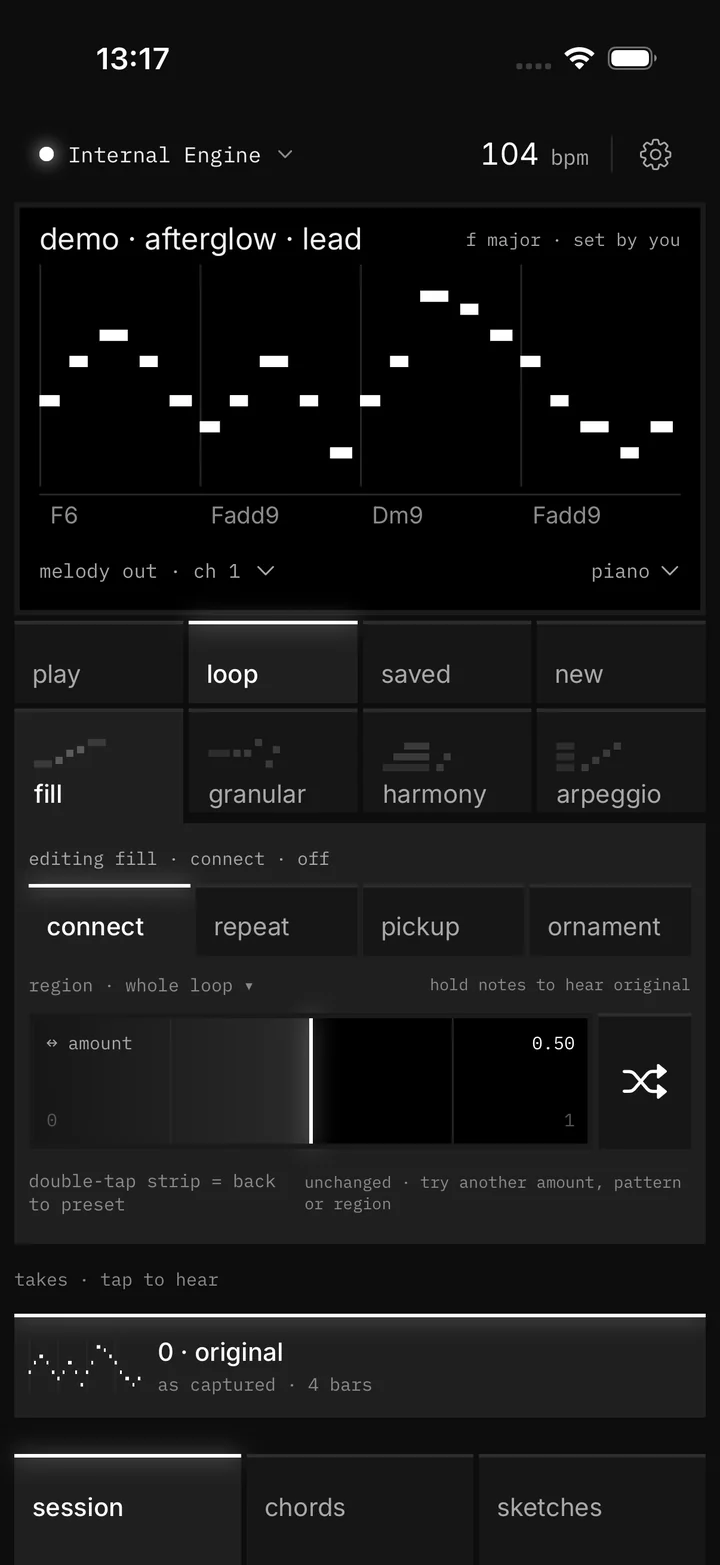
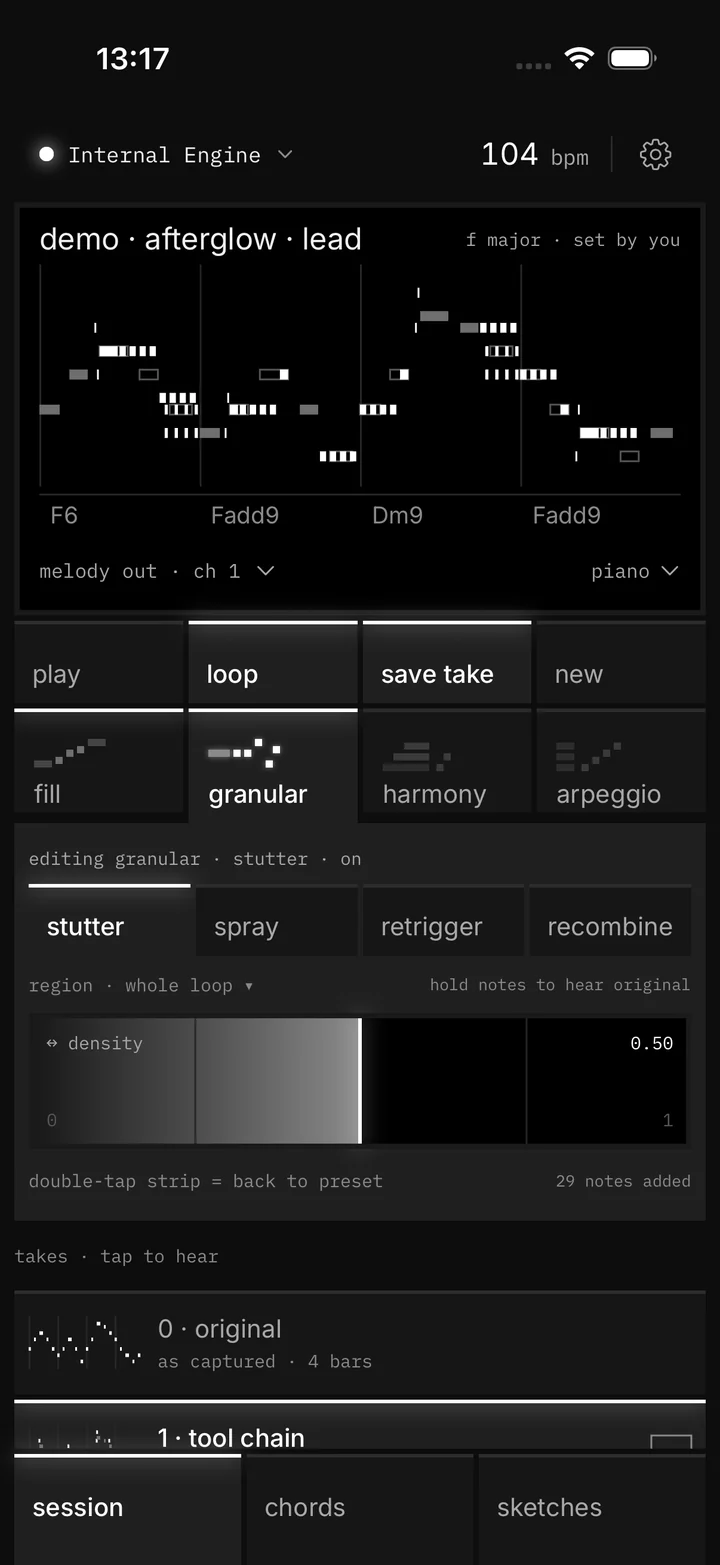
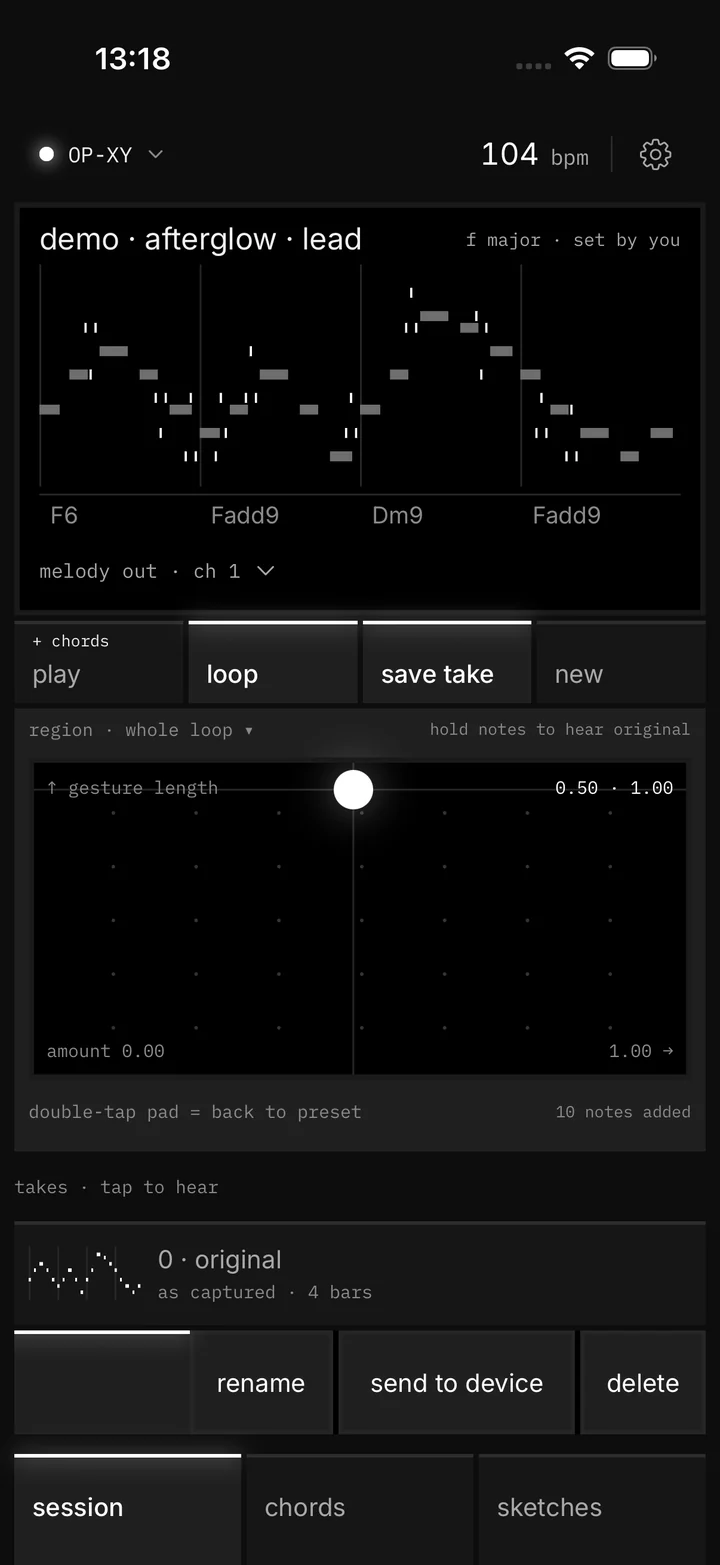
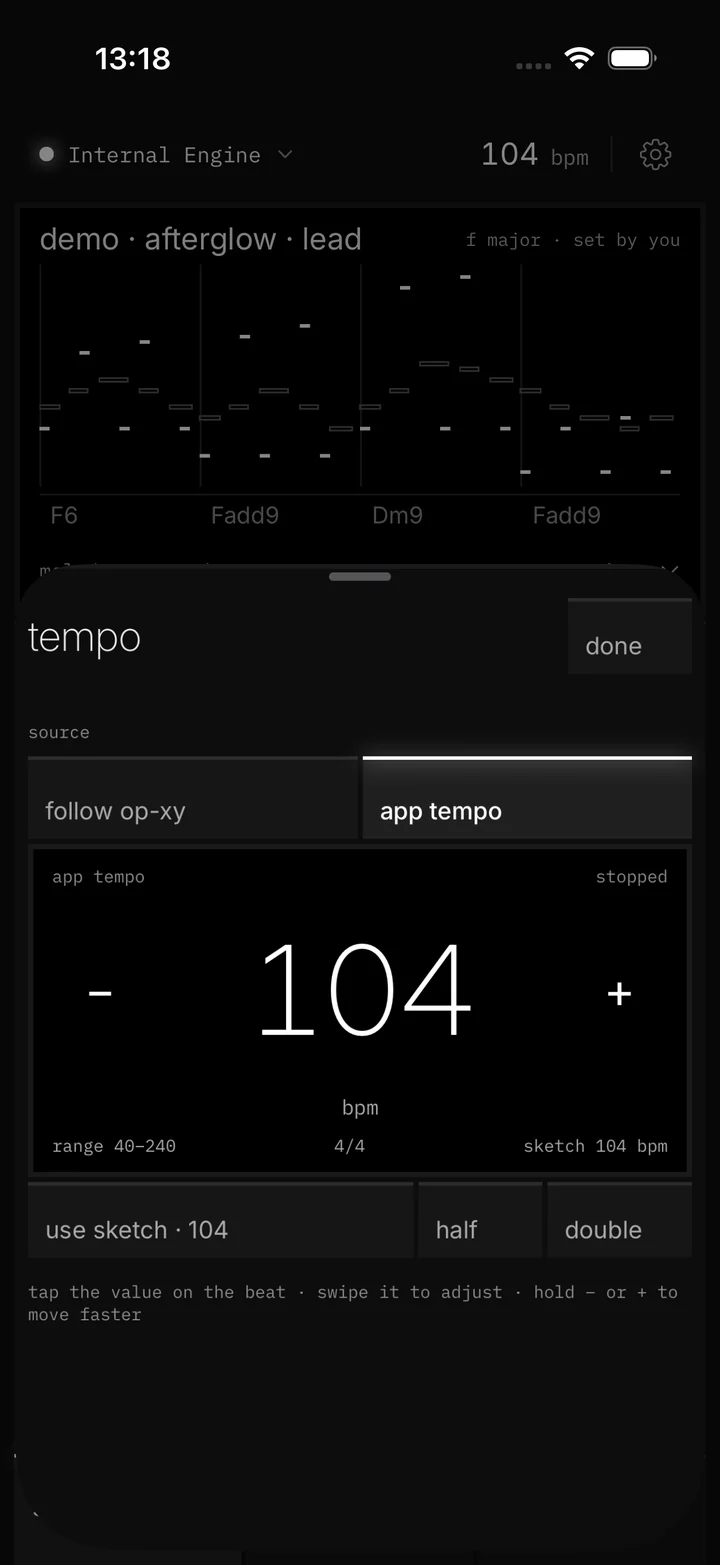
Your idea stays on the black note display the whole time, so you hear and see every change together.
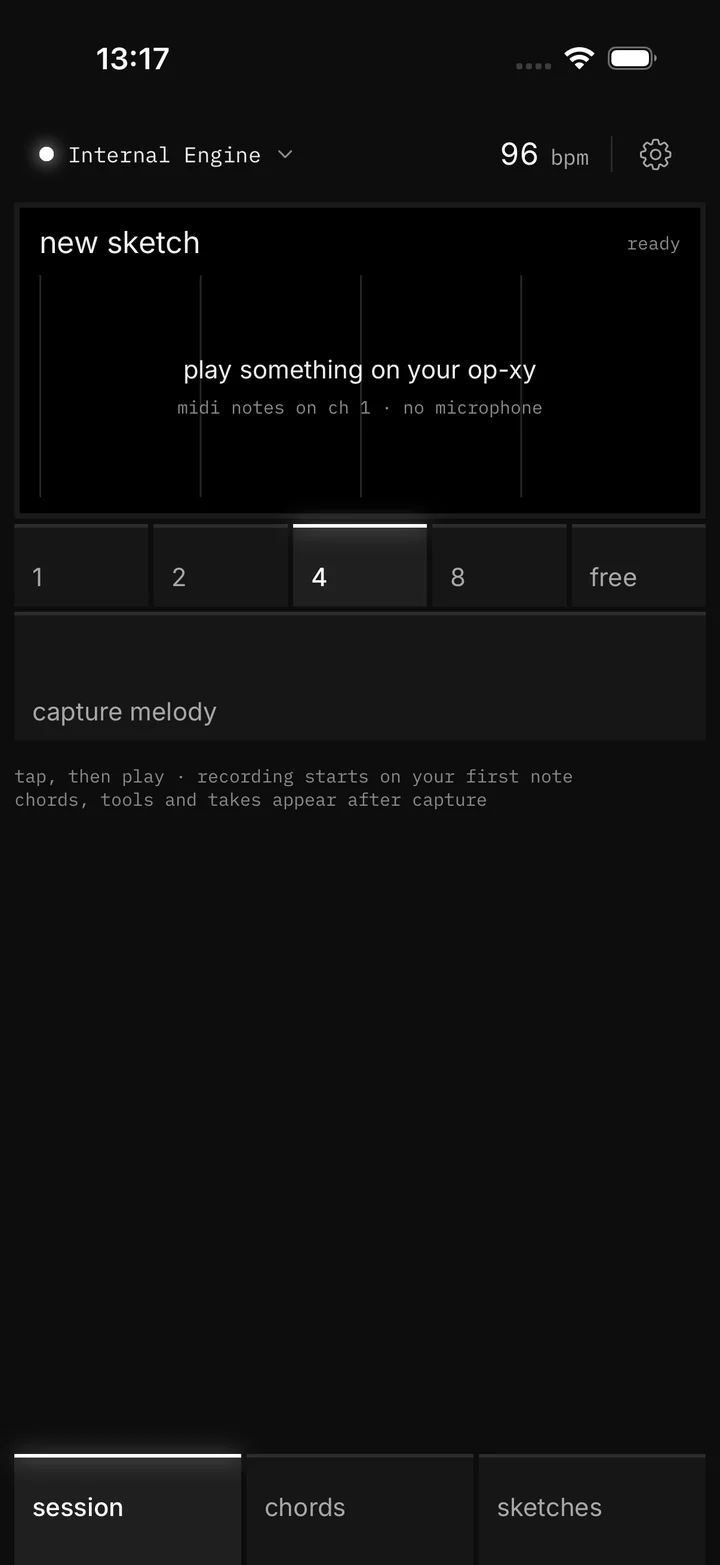
Connect over USB or Bluetooth, choose 1, 2, 4 or 8 bars or free, and play. Capture starts on your first note, and chords come through too.

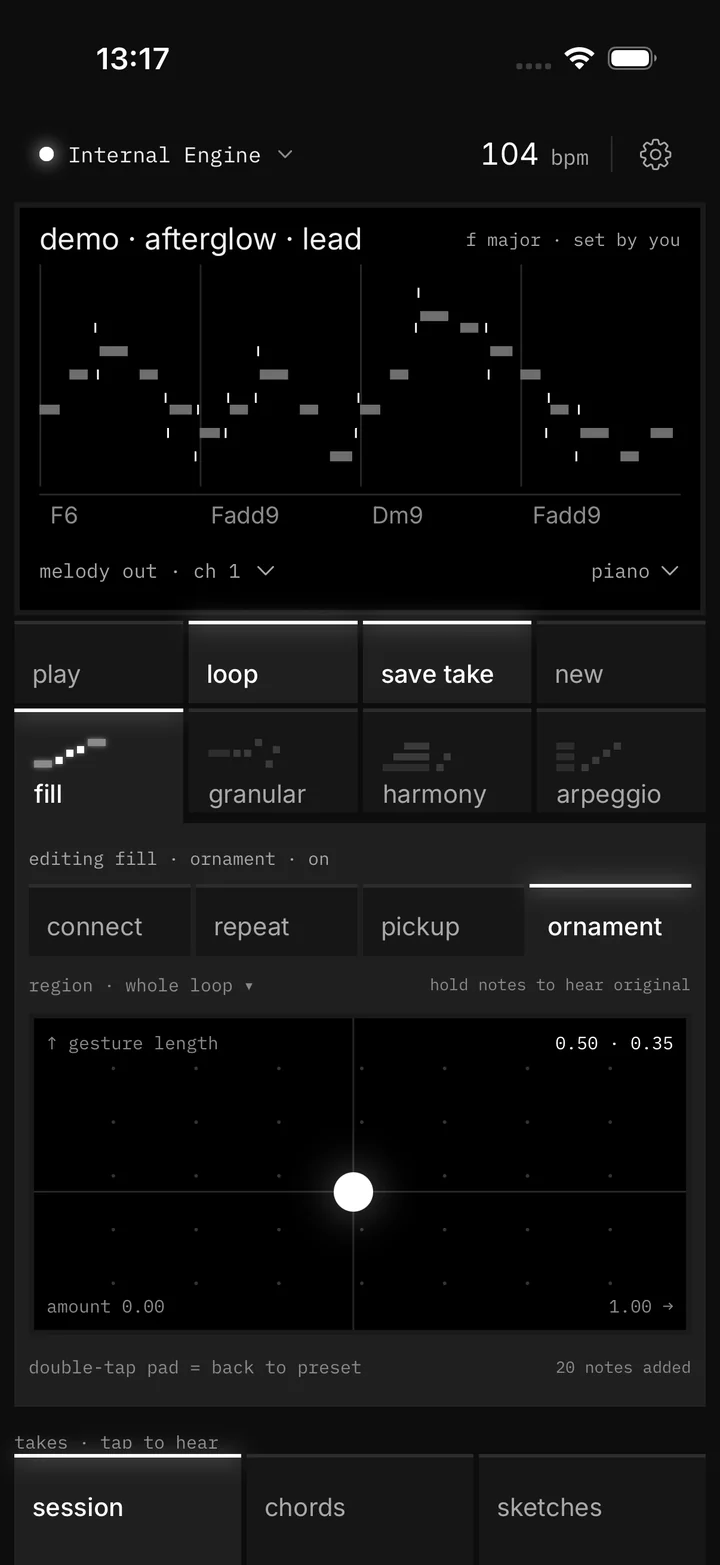
Run the loop through Fill, Granular, Harmony and Arpeggio. Change a setting and the loop keeps playing.

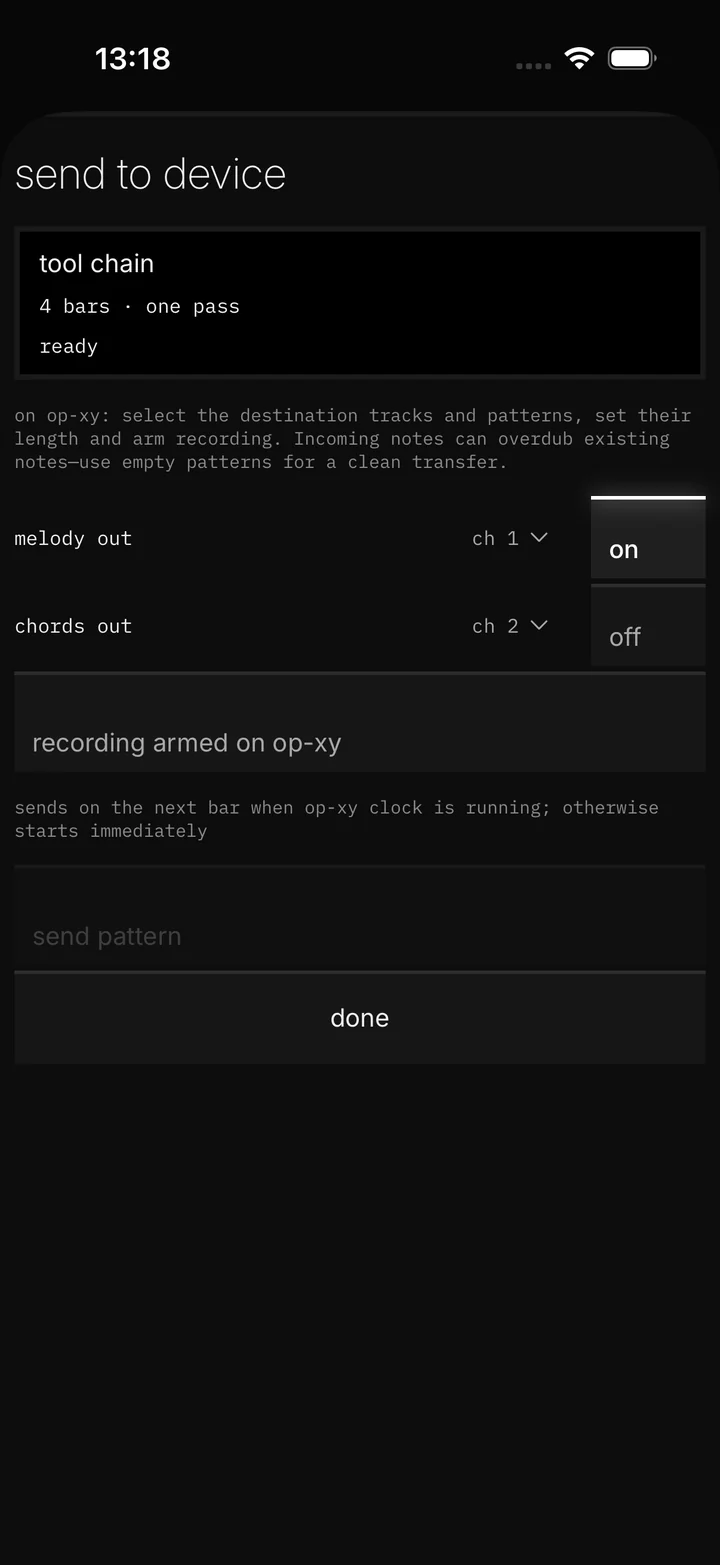
Play one pass into your armed OP-XY, or export MIDI for your DAW.

Switch on any combination, drag them into the order you want, and each stage works on the result of the one before. Press play and change things while it loops.

A glowing top line means the stage is on, whether you’re editing it or not.
Tap a family to open its editor. Tap it again to switch it on or off.
Reorder the families. A white line shows where it will land.
Changes land while the loop runs, at the same position.
Hold the note display to hear what you captured. Let go and you’re back on the processed loop at the same position.


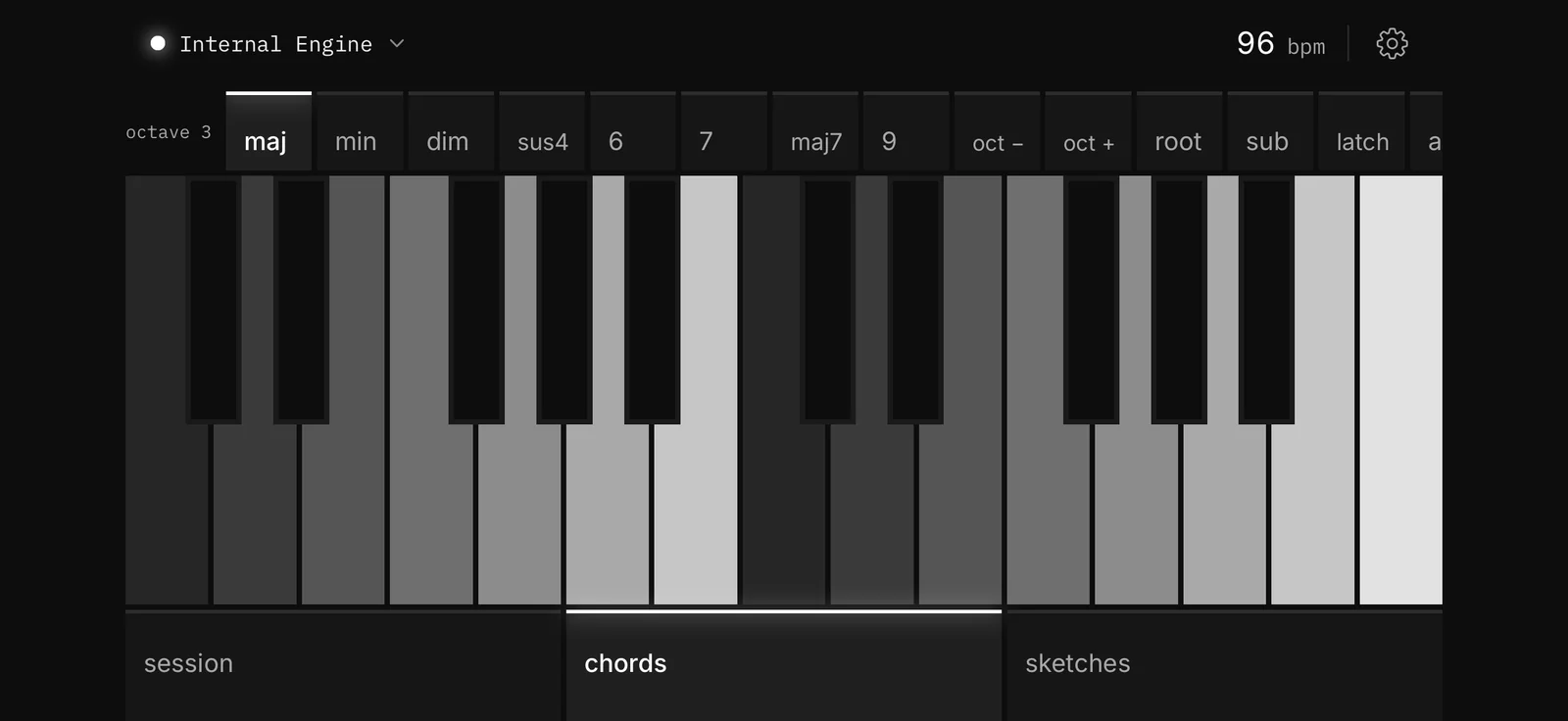
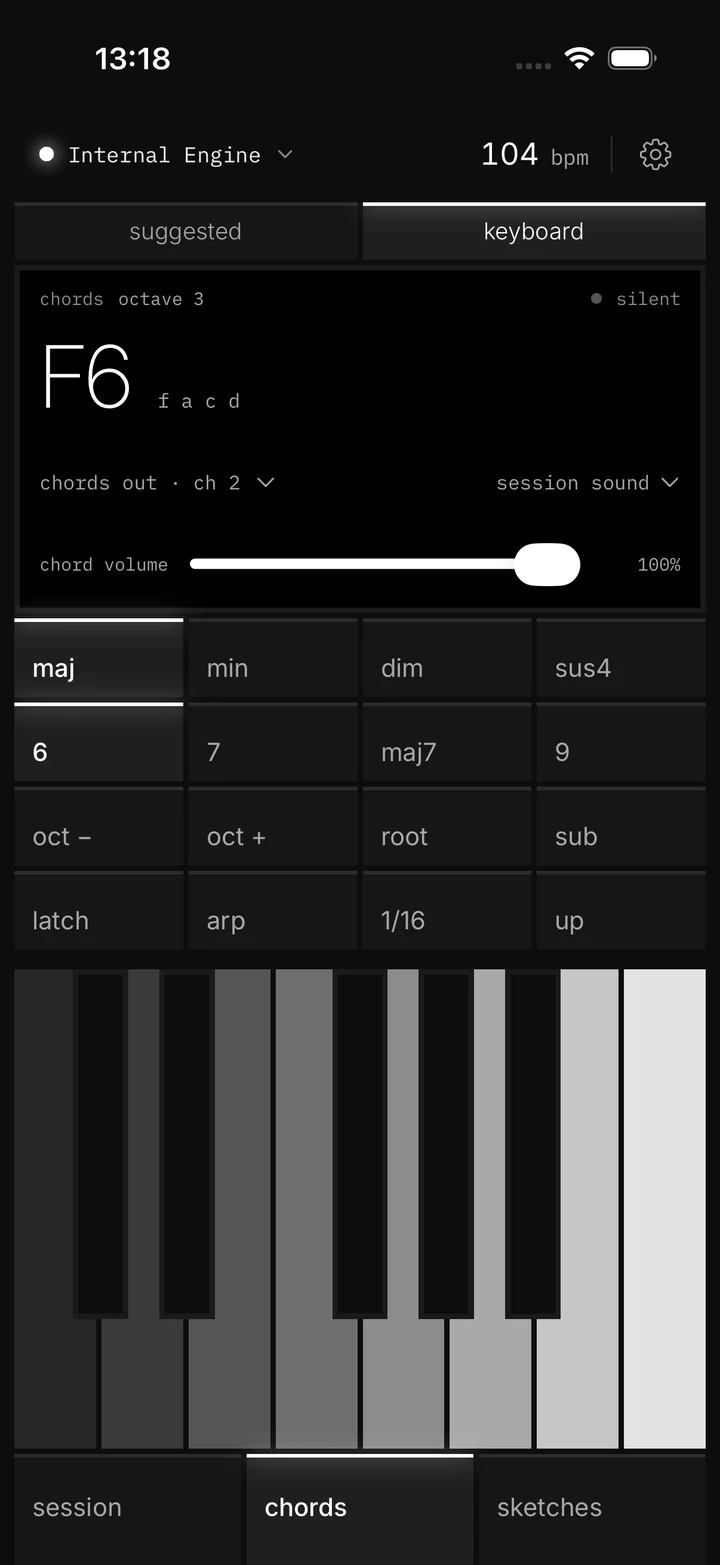
Turn the phone sideways and the chord keyboard spans two octaves. Every key plays the chord shape you picked.


Builds chord voicings into the take’s notes.
An accompaniment layer during playback. It stays separate from the take.
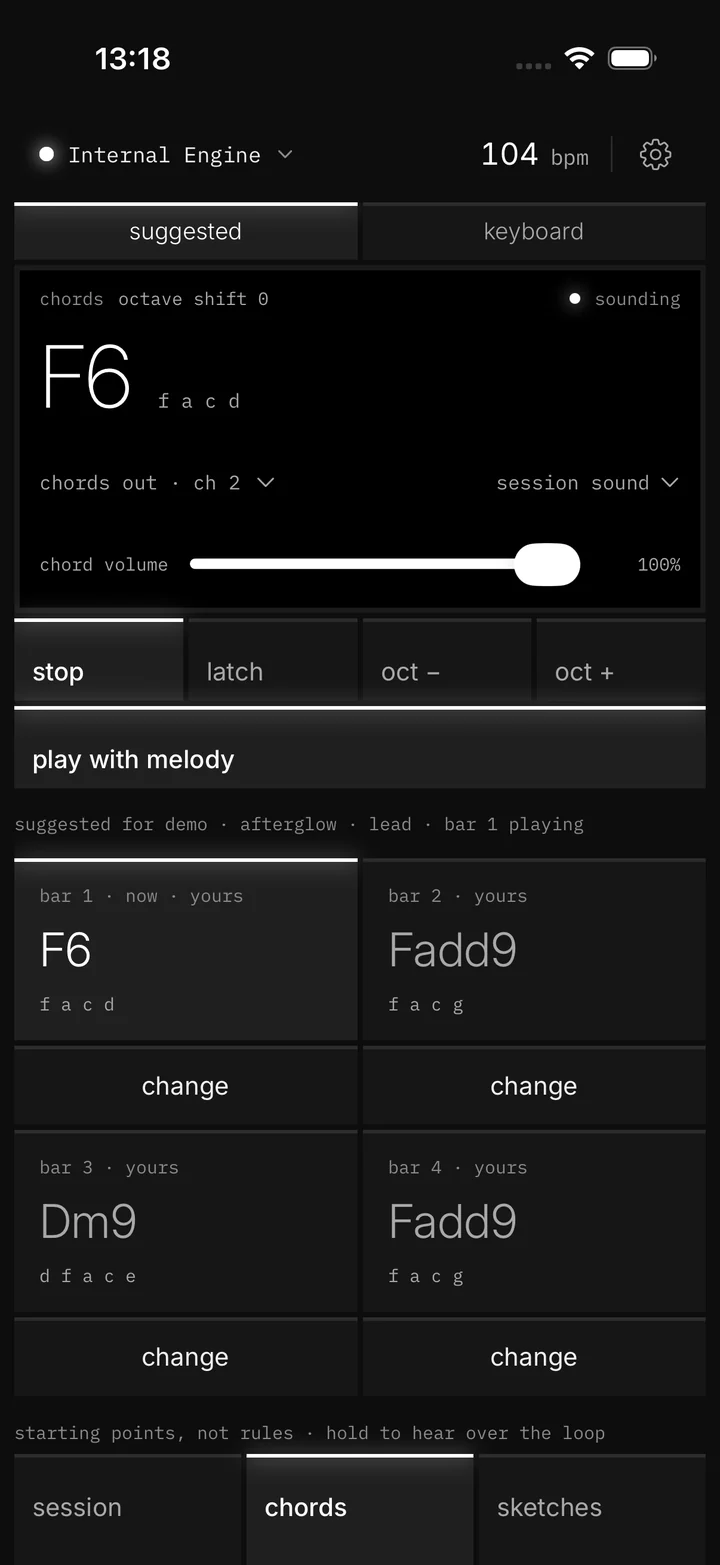
A chord instrument for trying ideas or picking a bar’s chord yourself.
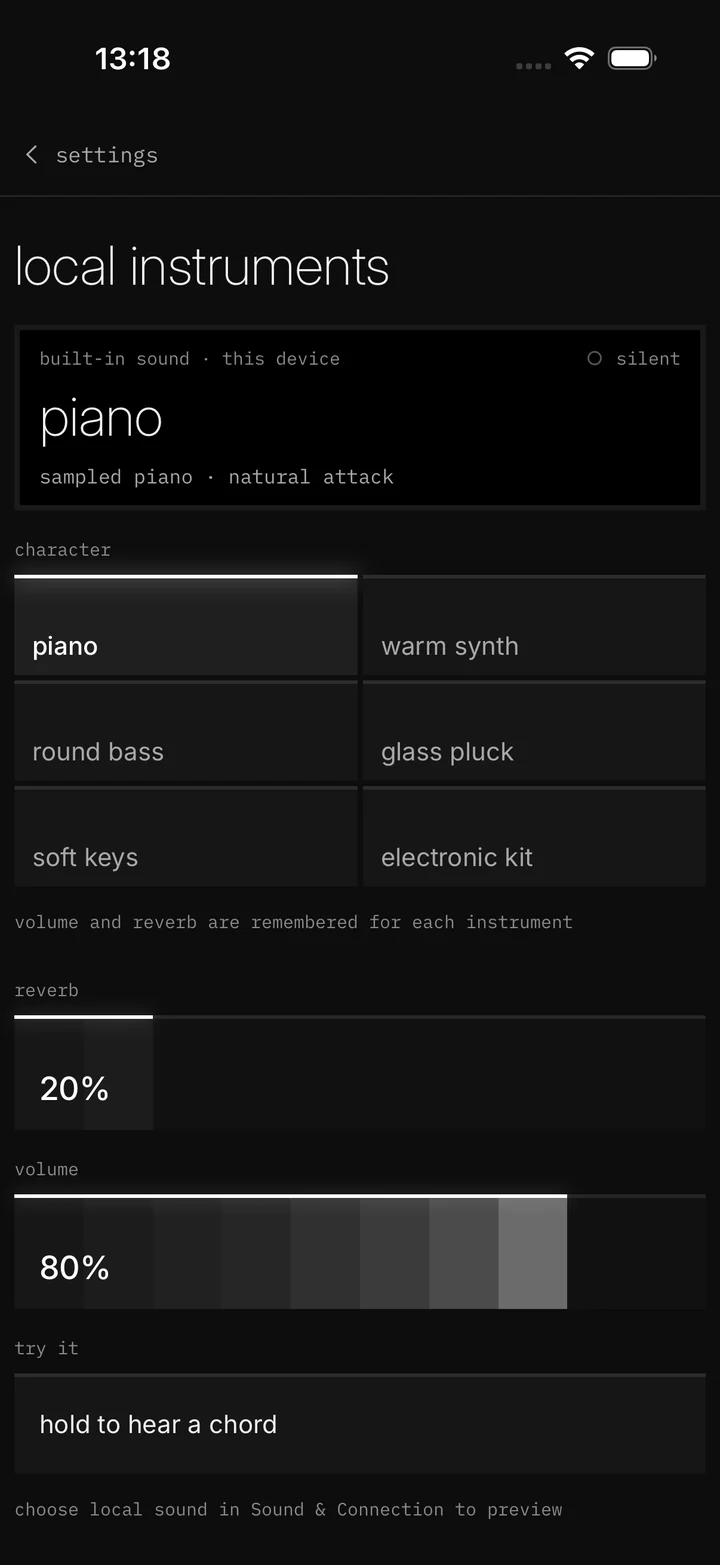
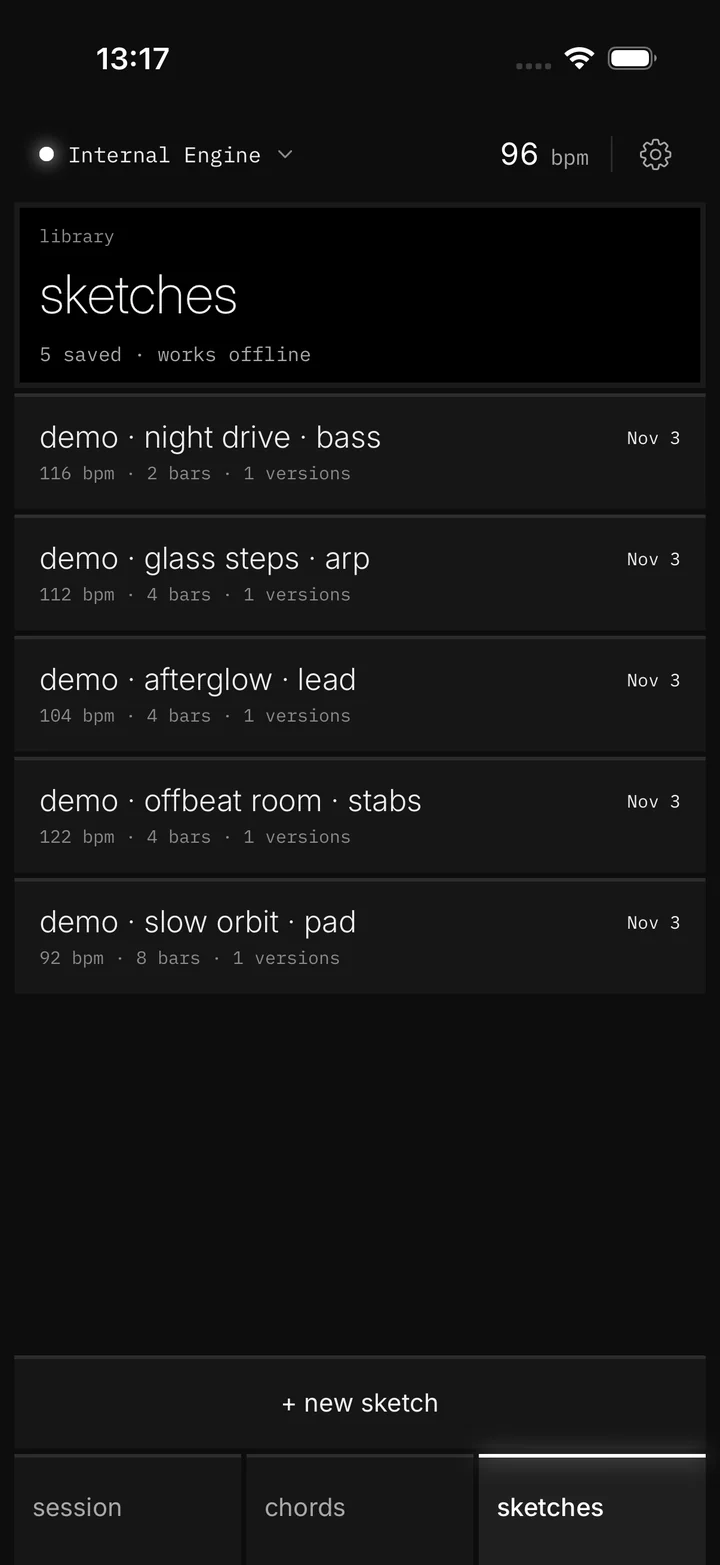
Six built-in sounds play your saved sketches and takes offline, so you can keep reshaping on the train. Capturing new ideas needs a MIDI source.
Each sound remembers its own volume and reverb, 0–100%. Choose Internal Engine and the sounds play even with your OP-XY still connected.


Incoming notes overdub what’s already there, so use an empty pattern for a clean copy. MidiMuse doesn’t arm the OP-XY or write pattern files.
Export MIDI saves a sketch as a .mid file with the original, your takes and the chords on separate tracks.
No. Other MIDI sources can be captured too, and saved sketches play on the built-in sounds without any hardware. MidiMuse is designed around the OP-XY.
No. It works with MIDI notes only. Granular breaks up notes, not samples, and nothing is recorded from a microphone.
No. The tools run on your device. No AI key, account or internet connection required.
No. 0 · original is always kept, and every take is saved separately with its recipe.
No. Send to device plays one pass into a recorder you arm on the OP-XY. It can overdub, so start from an empty pattern for a clean copy.
Yes. Export a sketch as a MIDI file and keep going in any MIDI-capable tool.
The download link goes here once availability is confirmed.